
Why Most Businesses Are One Incident Away From Losing Everything
Business data backups is the practice of creating secure, redundant copies of your company’s critical data and storing them in separate locations so you can recover quickly when something goes wrong. For organizations that depend on reliable Manhattan data backups, this practice is especially essential to maintaining continuity and compliance.
If you’re evaluating backup options for your business right now, here’s a fast-reference summary of what matters most:
| Factor | What to Look For |
|---|---|
| Backup rule | 3 copies, on 2 different media types, with 1 stored off-site |
| Encryption | AES-256, both at rest and in transit |
| Immutability | Data that can’t be altered, deleted, or overwritten |
| Recovery speed | Defined RTO (how fast) and RPO (how much data you can afford to lose) |
| Testing | Regular restore tests, at least quarterly |
| Compliance | GDPR, HIPAA, SOC 2, or PCI DSS depending on your industry |
The stakes are high. A ransomware attack occurs somewhere every 11 seconds, and 96% of those attacks specifically target backup data. If your backups are compromised, recovery becomes nearly impossible. Sixty percent of small businesses that suffer significant data loss are forced to shut down within six months.
And it’s not just cyberattacks. Hardware fails. Employees accidentally delete files. Floods and fires happen. Any one of these events, without a solid backup in place, can end an business.
The good news? The right tools make this manageable — even for businesses without a dedicated IT team, including those relying on cloud IT in Manhattan NY to protect distributed infrastructures.
I’m Ryan Miller, founder of Sundance Networks, with over 17 years of experience in IT and more than a decade specializing in information security, including business data backup planning for companies across New Mexico and Pennsylvania. In the sections below, I’ll walk you through the tools and strategies that actually work.
Why Business Data Backup is Your Most Critical Insurance Policy
In April 2026, data is the lifeblood of every organization. Whether you are a dental practice in Albuquerque or a manufacturing firm in Reading, PA, your files represent years of hard work. When we talk about business data backups, we aren’t just talking about “saving files.” We are talking about business survival.
The frequency of ransomware attacks has reached a staggering pace, occurring every 11 seconds. What is more alarming is that 96% of these attacks now specifically focus on backup data. Attackers know that if they can destroy your safety net, you are far more likely to pay the ransom. Without a verified, secure backup, the impact is devastating.
Industry research shows that 60% of small businesses that experience significant data loss are forced to close their doors within just six months. Even if you stay open, the financial hit is massive. The average hourly cost of downtime for a small to mid-sized business (SMB) ranges between $8,000 and $20,000. For many, that is the difference between a profitable year and a total loss.
By implementing Data Protection Strategies, you aren’t just checking a box for your IT department; you are taking out an insurance policy that ensures your doors stay open. For more guidance on the basics, the CISA guide on backing up business data provides a solid foundation for any owner.
The Impact of Extended Data Loss
The threshold for disaster is shorter than most people think. Statistics indicate that 93% of businesses that suffer extended data loss—defined as lasting longer than 10 days—file for bankruptcy within a year.
Extended downtime doesn’t just halt sales; it destroys your reputation. If a client in Stroudsburg calls and you can’t access their records for two weeks, they won’t wait. They will find a competitor who can. This operational disruption ripples through your entire organization, leading to lost employee productivity and potential legal liabilities.
The 3-2-1 Rule for Risk Mitigation
To lower your risk of catastrophic loss, we recommend the 3-2-1 backup rule as the gold standard. It’s a simple but powerful framework:
- Three copies of data: Your primary data and two backups.
- Two different media types: Store copies on different devices (e.g., a local server and the cloud).
- One off-site copy: Keep one copy in a separate physical location to protect against fires or floods.
Modern strategies often add an extra layer: Air-gapped or immutable storage. This means at least one copy of your data is physically or logically disconnected from your network, making it impossible for ransomware to reach it. At Sundance Networks, we integrate these layers into our Managed Services and Security to provide a comprehensive safety net.
Essential Features of Modern Business Data Backup Solutions
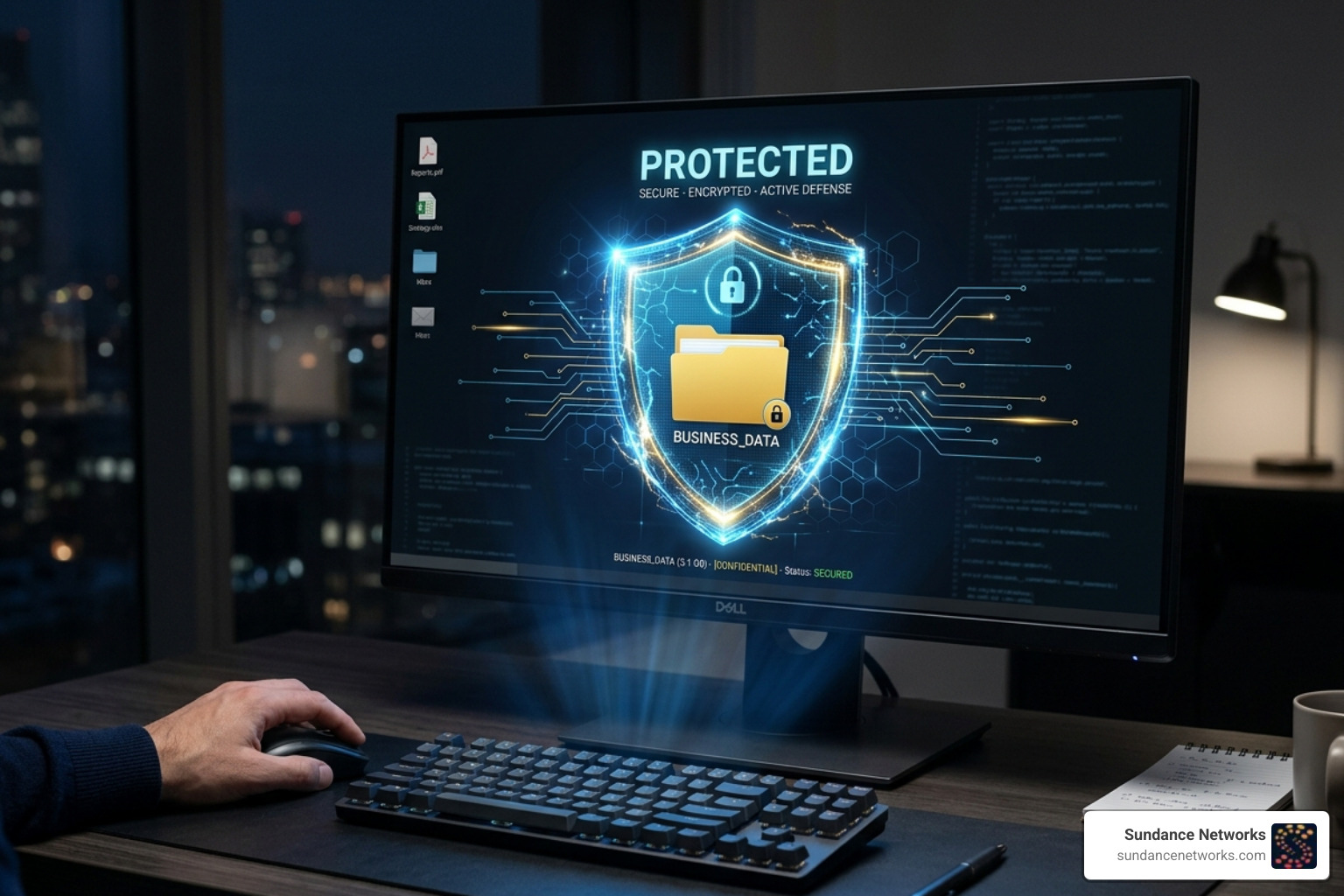
Not all backup solutions are created equal. In the past, a USB drive might have sufficed, but today’s threats require more sophisticated tools. When choosing a solution, look for these non-negotiable features.
The Role of Encryption in Business Data Backup
Encryption is your first line of defense. You must ensure your data is encrypted both at rest (while sitting on the server) and in transit (while moving to the cloud). We recommend AES-256 encryption, which is the industry standard used by financial institutions and government agencies.
Furthermore, look for “zero-knowledge” architecture. This means only you hold the private keys. Even the service provider cannot see your data. This ensures that even if the backup provider suffers a breach, your information remains a garbled mess to the attackers.
Understanding RTO and RPO
To build a resilient business, you must define two key metrics:
- Recovery Time Objective (RTO): How quickly do you need to be back up and running? Some modern solutions, like Azure Backup, can offer an RTO of as little as 15 seconds.
- Recovery Point Objective (RPO): How much data can you afford to lose? If you backup once a day, your RPO is 24 hours. For critical financial data, you might need an RPO of mere minutes.
Balancing these objectives helps us tailor Fully Managed IT Services to your specific budget and risk tolerance.
Comparing Local, Cloud, and Hybrid Backup Architectures
Choosing where to store your data is a strategic decision. Each architecture has its own set of pros and cons.
| Feature | Local Backup | Cloud Backup | Hybrid Backup |
|---|---|---|---|
| Speed | Very Fast | Dependent on Internet | Fast (Local) / Reliable (Cloud) |
| Cost | High Upfront | Monthly Subscription | Balanced |
| Ransomware Risk | Higher (if connected) | Lower (with immutability) | Lowest (Redundancy) |
| Scalability | Limited by Hardware | Nearly Infinite | High |
Local backups provide the fastest restore speeds but are vulnerable to physical disasters. Cloud backups, such as those offered through our Cloud Services, provide excellent off-site protection and scalability.
The Benefits of Immutable On-Premises Storage
For businesses that require the highest level of ransomware protection, we often suggest immutable on-premises storage. “Immutability” means the data cannot be changed, deleted, or overwritten for a set period—even by an administrator with full credentials.
This creates a “ransomware-proof” vault. If an attacker gains access to your network and tries to wipe your backups, the immutable locks prevent them from doing so. This combines the speed of local recovery with the security of a bank vault.
Addressing the Microsoft 365 Backup Gap
Many businesses in Allentown or Rio Rancho mistakenly believe that because their data is in Microsoft 365, it is automatically “backed up.” This is a dangerous myth.
Microsoft operates on a “Shared Responsibility Model.” They ensure the infrastructure is up (uptime), but you are responsible for the data. If an employee deletes a folder or a sync error corrupts your files, Microsoft may not be able to recover it after a certain period. We go into detail on this in our guide: The Microsoft 365 Backup Gap: Why Uptime Doesn’t Mean Your Data Is Safe.
Compliance and Security Standards for Data Protection
In 2026, the regulatory landscape is tighter than ever. Data breaches aren’t just an IT problem; they are a legal one. As of March 2025, over 2,560 infringement cases had been recorded under GDPR alone.
Depending on your industry, you may need to comply with:
- HIPAA: For healthcare providers in Santa Fe or Albuquerque.
- GDPR: If you handle any data from EU citizens.
- SOC 2: For service organizations managing customer data.
- PCI DSS: For anyone handling credit card transactions.
A proper strategy includes detailed audit trails and ensures data sovereignty (knowing exactly where your data is stored geographically).
Step-by-Step Implementation of Business Data Backup
If you are starting from scratch, follow these steps to lower your risk:
- Data Inventory: Use a spreadsheet to list every location where data lives (servers, laptops, cloud apps).
- Criticality Ranking: Decide what needs to be recovered first (e.g., customer records before marketing assets).
- Choose Your Schedule: Most businesses need daily backups, but real-time “continuous” backup is better for high-traffic databases.
- Test Restores: A backup is only as good as your ability to restore it.
- Documentation: Write down the recovery process so anyone on your team can follow it during a crisis.
For specialized help in New Mexico, our team in Los Alamos offers dedicated Data Recovery & Backup services to walk you through this process.
Best Practices for Long-Term Backup Effectiveness
Setting up a backup is not a “one-and-done” task. It requires ongoing attention to remain effective.
- Quarterly Testing: At least once every three months, pick a random file or a full server image and try to restore it. This ensures the data hasn’t become corrupted.
- Employee Training: Many data loss incidents start with human error. Train your staff on how to save files correctly and how to spot phishing attempts that lead to ransomware.
- Secure Disposal: When you retire old servers or hard drives, simply “deleting” the files isn’t enough. Use professional wiping services or physical destruction to ensure old business data doesn’t fall into the wrong hands.
- Strategy Reviews: As your business grows, your data needs change. Review your strategy annually to ensure your storage capacity and RTO/RPO objectives still align with your business goals.
Frequently Asked Questions about Business Data Backup
How often should my business perform backups?
For most SMBs, we recommend a combination of schedules. Critical databases should be backed up in real-time or every few hours. Standard office files should be backed up daily. To avoid slowing down your team, we use bandwidth throttling to ensure the backup runs quietly in the background without eating up your internet speed.
What is the difference between backup and disaster recovery?
Think of backup as the “save” button—it’s a copy of your files. Disaster Recovery (DR) is the entire plan for how you get back to work. DR includes who to call, how to switch to a backup server, and how to communicate with clients during an outage. A proactive DR framework is essential for true business resilience.
How can small businesses with limited IT resources manage backups?
You don’t need a massive IT budget to be secure. Many modern cloud solutions are designed for “set it and forget it” automation. Alternatively, partnering with a managed service provider allows you to offload the monitoring and testing to experts, giving you enterprise-grade protection at a predictable monthly cost.
Take the Next Step Toward Resilience
In 2026, the question isn’t if you will face a data threat, but when. Whether it’s a hardware failure in Stroudsburg or a ransomware attempt in Santa Fe, your ability to recover determines the future of your company.
At Sundance Networks, we specialize in strategic Manhattan IT consulting, helping businesses across Pennsylvania and New Mexico navigate these complexities. We don’t just provide tools; we provide peace of mind through strategic risk mitigation and robust security.
Don’t wait for a disaster to find out your backup doesn’t work. Let’s build a strategy that keeps your business running, no matter what.