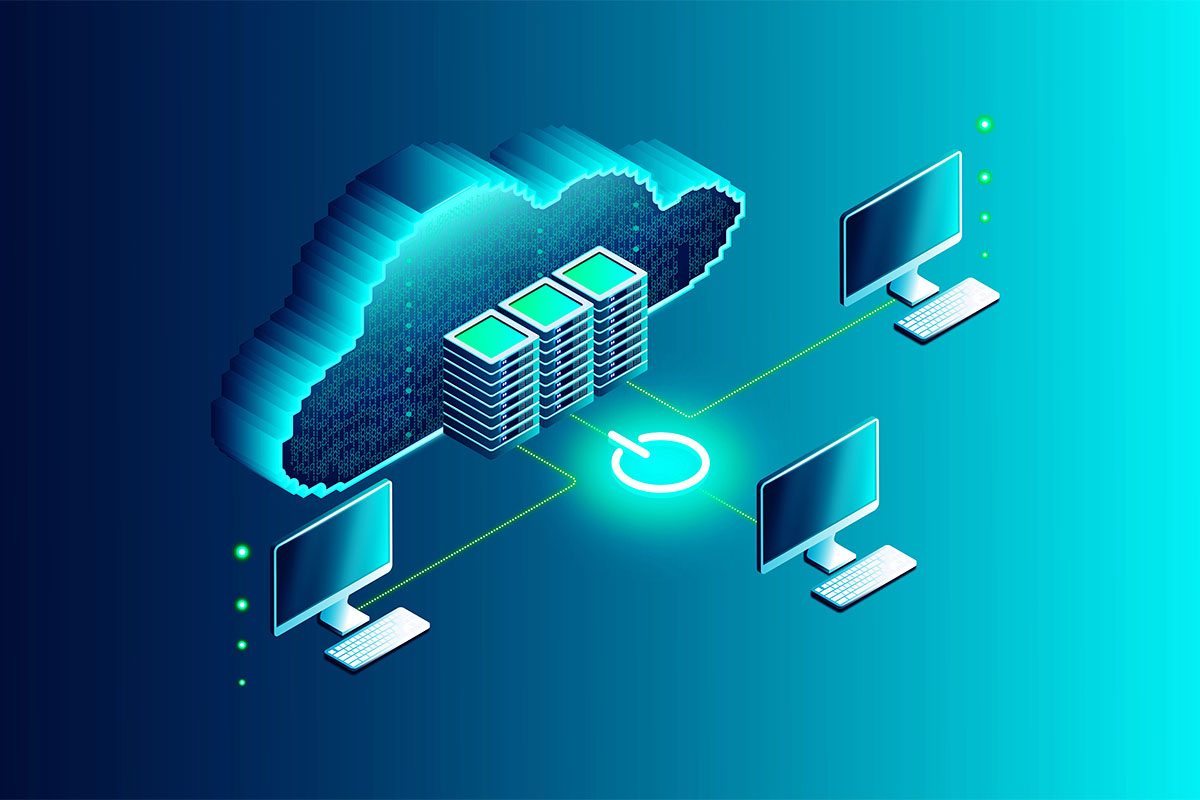
A few years ago, “move to the cloud” was treated like a default goal. In 2026, most businesses have learned a more practical lesson: the cloud is excellent for many things, but not automatically best for everything.
That is why the most common modern strategy is cloud-first rather than cloud-only.
Cloud-first means:
- You evaluate cloud options first for new systems and upgrades
- You keep certain workloads on-site when there is a clear business reason
- You design access, security, and backups to cover both environments consistently
A managed IT partner like Sundance Networks can help map and manage this approach, but you can start by understanding what typically belongs on-site and why.
Why On-Site IT Still Exists
On-site infrastructure persists for three main reasons:
- Performance and latency requirements
- Software and workflow limitations
- Control and risk management
When those factors are strong enough, keeping a workload local is not a step backward. It is simply a better fit.
A Simple Decision Test: Should This Workload Be Local or Cloud
Before discussing specific systems, apply a quick test to each workload.
Ask:
- Does this system need to work even if internet service is degraded
- Do users need fast access to large files or databases all day
- Is there a mature SaaS product that matches our requirements
- Does compliance or a client contract require special handling of data
- Is the long-term cost of cloud clearly better than owning or hosting locally
If your answer is yes to questions one or two, local infrastructure may be justified. If your answer is yes to question three, SaaS is probably the better default.
Workloads That Commonly Stay On-Site
1. Specialty line-of-business applications
Many businesses still run software that:
- Requires a Windows server
- Uses a local database with heavy input and output
- Has no true SaaS equivalent
- Is too expensive or disruptive to replace
Examples include certain manufacturing systems, legacy legal applications, industry scheduling tools, and older accounting systems.
Even when a cloud version exists, it may not meet performance requirements or may require costly process changes.
2. Large file workflows
Industries that routinely work with large files often benefit from local storage and compute:
- Architecture and engineering teams using CAD and BIM
- Media production teams working with video and design assets
- Construction and fabrication businesses using large drawings and models
Cloud file platforms can work, but they require strong internet and careful configuration. If daily work involves constant access to large assets, local storage can reduce delays and user frustration.
3. Local services that must remain available
Some systems cannot stop because the internet is down:
- Local authentication for critical building systems
- Printing and scanning workflows tied to onsite operations
- Certain point-of-sale or inventory systems
- Security cameras and access control
In these cases, a local foundation improves continuity. Cloud synchronization can still be used for reporting and backups, but the operational core stays onsite.
4. Data segregation and risk control
Some organizations keep specific data sets or services local because:
- They want additional isolation from internet-facing systems
- They have strict client handling agreements
- They prefer more direct control over where data resides
This is common in regulated environments, but it also appears in businesses that handle high-value intellectual property.
Making Cloud-First and On-Site Work Together (Without Running Two Separate Universes)
Keeping some systems on-site is not a failure. Running them like it’s 2009 while the rest of your company lives in the cloud, that’s a failure.
Hybrid environments break when the cloud side gets all the attention and the on-site side gets forgotten. The server in the closet stops getting patched. The firewall firmware hasn’t been updated since the last president. The backup drive is full and nobody noticed because nobody’s checking.
Here’s how to run both sides like one coherent operation:
One identity to rule them all.
Whether an employee is logging into Microsoft 365 from their couch or accessing an on-site application from the conference room, it should be the same username, the same password, the same MFA prompt. Single sign-on isn’t a luxury anymore. It’s the only way to maintain consistent access control across two environments without losing your mind.
If an on-site app can’t integrate with your cloud identity provider, compensate with stronger local controls: longer passphrases, hardware MFA tokens, and tighter access logging.
Patch everything on a schedule, not when you remember.
Cloud services update themselves. On-site servers don’t. That asymmetry is where the danger lives.
Your on-site infrastructure needs the same disciplined update cycle as everything else: firmware updates, security patches, warranty tracking, and end-of-life planning. The moment a server falls out of vendor support, it becomes the weakest link in your entire environment, no matter how polished your cloud setup is.
Back up both sides, and actually test the restores.
Here’s the assumption that costs businesses everything: “It’s in the cloud, so it’s backed up.”
Microsoft does not back up your data the way you think. Google does not back up your data the way you think. If an employee deletes a SharePoint library or a ransomware attack encrypts your OneDrive, your recovery options through the native platform are limited and time-sensitive.
A real backup strategy covers:
- On-site servers backed up to an offsite or immutable location
- Microsoft 365 and Google Workspace data backed up through a dedicated third-party solution
- Restore tests performed regularly so you know the backups actually work before you need them in a crisis
Plan your connectivity like a utility, not an afterthought.
If half your operation depends on cloud access, your internet connection is no longer “nice to have.” It’s infrastructure. Treat it accordingly.
That means a business-class primary circuit, a secondary failover connection (even LTE/5G is better than nothing), and a firewall configured to prioritize voice and critical cloud applications over someone streaming music in the break room.
How Managed IT Keeps Cloud-First From Becoming Cloud-Chaos
Running a hybrid environment well requires daily attention that most internal teams don’t have time for. Not because they’re not capable, but because they’re already buried in help desk tickets and putting out fires.
A managed IT partner handles the operational layer that keeps everything running:
Workload mapping. Figuring out what belongs in the cloud, what stays on-site, and what needs to move — based on performance, cost, compliance, and practicality. Not based on a vendor sales pitch.
Security configuration. Making sure your cloud tenant, your on-site firewall, your endpoints, and your identity platform are all speaking the same security language. No gaps between environments. No “we forgot to turn that on.”
Monitoring that covers both worlds. One dashboard, one alert system, one team watching cloud performance and on-site hardware health simultaneously. When the on-site backup fails at 2 AM, someone knows about it before you arrive at 8.
Backup oversight and testing. Not just setting up backups. Verifying them monthly. Running test restores quarterly. Ensuring that when the worst day comes, recovery is measured in hours, not weeks.
Strategic planning. Hardware refresh cycles, license optimization, migration roadmaps, and budget forecasting so nothing surprises you. The conversation shifts from “something broke” to “here’s what we’re doing next quarter and why.”
That’s what good managed IT looks like. Quiet, consistent, and always one step ahead of the next problem.
FAQs
Is keeping on-site servers considered outdated?
Not necessarily. On-site servers remain a good fit for certain applications, performance needs, and continuity requirements. What is outdated is running on-site infrastructure without modern security, patching, monitoring, and backups. A well-managed on-site system can be more reliable than a poorly planned cloud-only approach.
How do we decide what should move to the cloud first?
Start with systems that have mature SaaS options and clear business benefit, such as email, collaboration, and basic file sharing. Then evaluate line-of-business applications based on performance, compliance, and cost. A workload map and a phased roadmap are typically more successful than a full migration push.
Will a cloud-first approach reduce IT costs?
Sometimes, but not always. Cloud can reduce upfront capital spending, but subscription and storage costs can rise over time. The best comparison is total cost of ownership over three to five years, including licensing, support, security tools, and downtime risk.
What is the biggest security risk in a cloud-first environment?
Misconfiguration and unmanaged identities are common risks. Weak MFA enforcement, over-permissioned accounts, and lack of monitoring can lead to account compromise. On the on-site side, outdated firmware and untested backups are common issues. Security must be consistent across both.
Can we be cloud-first if our internet is not reliable?
Yes, but you will need a stronger connectivity plan, such as dual internet circuits or cellular failover, and you may need to keep certain operational systems local. Cloud-first does not mean cloud-dependent without backups. It means choosing cloud where it fits while building resilience.
Keeping IT Practical
The smartest IT decisions are rarely about trends. They’re about fit. Cloud-first is a strong guiding principle because it pushes you toward modern services and scalable tools, but cloud-only is not automatically better.
Keeping the right workloads on-site can improve:
- Performance for large data workflows
- Continuity during internet disruptions
- Compatibility with specialty applications
- Control over sensitive systems
The key is to make these choices intentionally and manage the environment as one system, not two separate worlds.
If you want help mapping workloads, building a phased roadmap, or managing a cloud-first strategy that still supports necessary on-site systems, Sundance can help you move forward without unnecessary risk.