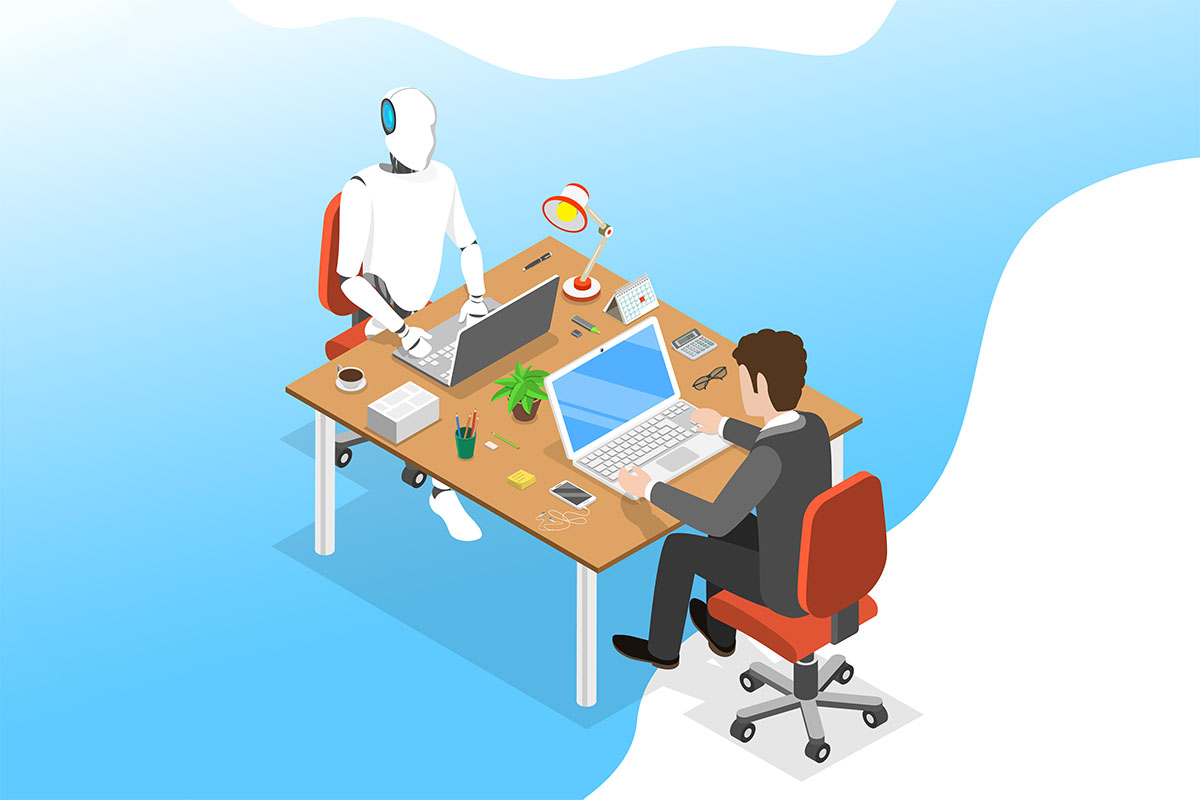
Most small businesses are past the point where they can pretend AI is not in the workplace. Staff use it to draft messages, speed up proposals, generate social captions, and summarize meetings. Some of that use is helpful. Some of it creates quiet risk, especially when sensitive information is pasted into public tools.
The right move is rarely a total ban or unlimited access. The realistic goal is to decide where Manhattan IT automation fits in your business and set guardrails that employees can follow without constant policing.
Any IT provider can help with technical controls and training, but leadership should first make a clear policy decision using a simple framework.
Step 1: Classify Your Data Before You Classify AI Tools
The simplest way to reduce that risk is to create clear categories for your data. Think of it like a traffic light system that tells employees when to proceed, when to slow down, and when to stop entirely.
Green data is generally safe to use. This includes public marketing copy, non-confidential training materials, generic process outlines, and public product descriptions. Brainstorming prompts work fine here too, as long as they do not include client names or project details. If it is already public or would not matter if it became public, it is probably green.
Yellow data requires caution. Internal policies, non-public business strategies, and draft proposals can sometimes work in AI tools, but only after you strip out names, pricing, and customer identifiers. General HR templates fall into this category as long as they contain no employee specifics. Think of yellow as “maybe, but slow down and consider what you are actually pasting before you hit enter.”
Red data does not go into AI tools. Period. Customer personal information, patient data, payment details, and anything regulated stays out. So do contracts, pricing documents, non-public financials, credentials, passwords, MFA codes, and security details. Source code, proprietary methods, employee files, and disciplinary records are also off limits. If losing control of this information would create a legal, financial, or reputational problem, it belongs in red.
Once you define these categories for your business, the daily decisions get simpler. Employees stop guessing. They look at what they are about to enter, match it to a color, and act accordingly.
And if most of your daily work involves red data, that tells you something important. Your AI approach needs to be far more restrictive than a company whose staff mostly handles green.
Step 2: Decide Which AI “Use Level” Fits Your Business
Instead of debating individual tools endlessly, choose one of three models and build from there.
Model A: Allow (with guardrails)
Best for businesses where most work uses green or yellow data, such as marketing, general admin, and light operations.
Typical controls:
- Approved tool list
- No red data entry
- Human review required for external messages
- MFA enabled on AI accounts where possible
Model B: Limit (role-based)
Best for businesses with mixed risk, where some teams can benefit but others handle sensitive data, such as healthcare clinics, legal services, finance, or IT providers.
Common setup:
- AI allowed for marketing and internal documentation
- AI restricted for HR, finance, client service, or regulated workflows
- Approved business accounts only, no personal accounts for company work
- Additional logging, monitoring, and training for approved users
Model C: Ban (high restriction environment)
Best for organizations with strict contractual requirements, regulated data, or limited ability to control data flow.
If you choose this model, plan for enforcement:
- Block access on company networks and devices where feasible
- Provide approved alternatives for productivity improvements
- Implement clear consequences and retraining
Most organizations end up in Allow or Limit. Bans are hard to enforce and often lead to shadow use unless technical controls are in place.
Step 3: Set Non-Negotiable Rules That Do Not Change by Department
Even if you choose a flexible model, some rules should be universal.
Rule 1: No confidential or regulated data in AI prompts
This includes client names, account numbers, contracts, invoices, and internal financials.
Rule 2: AI output is a draft, not an authority
Employees must verify:
- Facts and dates
- Compliance language
- Quotes and pricing
- Any advice that could be interpreted as legal, medical, or financial guidance
Rule 3: External communication requires human review
If AI contributes to customer-facing content, it should be reviewed by a responsible employee before sending or publishing.
These three rules reduce most risk without creating a complicated policy document.
Step 4: Replace “Training” with “Approved Examples”
Nobody reads a policy full of warnings and walks away knowing what to do differently. That is why AI policies fail. They tell people what not to do without showing them what good actually looks like.
Fix that by giving your team a short internal guide with three things: safe prompts, unsafe prompts, and what to do when they are unsure.
Safe prompts are low risk and high value. They focus on tasks, not data. Something like:
- “Rewrite this internal email to be clearer and remove any names or customer details.”
- “Create a checklist for closing tasks in our project workflow.”
- “Summarize these notes without personal identifiers.”
Notice the pattern. The prompt asks for help with structure, clarity, or format. It does not hand over sensitive information to get there.
Unsafe prompts cross the line before the employee even realizes it. They look productive on the surface but expose data that should never leave your systems. These are samples of prompts that SHOULD NOT be inputted under any means:
- “Here is a client contract. Summarize it and suggest changes.”
- “Here is a spreadsheet of customer payments. Find errors.”
- “Here are our admin credentials. Explain how to configure access.”
Each of these drops confidential, regulated, or security-critical information into a tool you do not control. The employee thought they were saving time. Instead, they created a liability.
When someone is unsure, give them a clear next step. That could be asking IT, checking with a manager, or defaulting to “if in doubt, leave it out.” The goal is to remove hesitation without encouraging people to guess wrong.
Here is the truth most companies learn the hard way: a one-page example sheet usually does more than a five-page policy. People remember what they can picture. Give them pictures.
Step 5: Add Technical Controls That Match Your Choice
Policies without controls become suggestions.
Depending on your model, technical steps may include:
- Blocking unapproved AI tools on managed devices
- Using browser management to prevent data uploads to risky sites
- Enforcing MFA on approved tools
- Implementing data loss prevention rules in Microsoft 365 for sensitive content
- Monitoring sign-in logs and risky sessions
Reciprocal Technologies and other IT providers often implement these controls through endpoint management and Microsoft security settings so enforcement is consistent.
Step 6: Decide How You Will Handle Ownership and Attribution
One of the less discussed problems is brand and liability.
Your business should implement procedures that defines:
- Who owns AI-generated content created on company time
- Whether AI should ever create public claims such as performance guarantees
- Whether the company will disclose AI use in certain documents, depending on industry expectations
In many businesses, the simplest answer is:
AI can be used to draft, but a human author is responsible for final content.
FAQs
Should small businesses allow employees to use ChatGPT or similar tools?
Many can, but only with clear restrictions on what can be entered and how output is used. The biggest risk is employees pasting sensitive or regulated data into public tools. If your business mostly handles public or non-confidential information, allowing AI with guardrails can be productive.
What is the biggest AI risk for most companies?
Data exposure is the main risk. The second risk is inaccurate output being used in customer communications or compliance-related work. Both are reduced by restricting data types, requiring human review, and providing approved usage examples.
How do we stop employees from using AI tools on personal accounts?
You can reduce shadow use by providing approved tools, clear guidelines, and technical controls on company devices. Blocking access without offering alternatives often drives use underground. Device management and web filtering can help enforce your decision, especially in higher risk environments.
Do we need different rules for marketing vs finance vs HR?
Often yes. Marketing can usually use AI safely with review. Finance and HR handle sensitive information and often need more restrictions. A good approach is a baseline policy for everyone plus stricter rules for higher risk departments.
How can we adopt AI without creating compliance problems?
Start by classifying data, selecting an allow or limit model, enforcing MFA, and implementing data loss prevention controls where appropriate. For regulated industries, consult compliance and legal advisors and consider limiting AI tools to enterprise versions with clearer data handling terms.
A Clear Decision Beats a Perfect Policy
Most businesses do not need a complex AI governance program to start. They need clarity and the kind of strategic support that comes from IT consulting in Manhattan. Decide whether your organization is in an Allow, Limit, or Ban model, then support that decision with:
- A simple data classification
- Three universal rules
- Approved examples employees can follow
- Basic technical controls
- A defined review process for external output
That combination protects your business while still allowing teams to benefit from the speed and drafting power AI can provide. If you need ongoing managed IT in Manhattan to maintain those protections, you can rely on our expert guidance.
If you want help choosing the right model and implementing controls across Microsoft 365, endpoints, and networks, Sundance Networks can help you turn AI from a risk into a controlled productivity advantage.